
Available now
R0 for browser career tools
- All eight résumé layouts and six cover-letter designs
- Live editing, local drafts and document downloads
- Job tracking, tailoring, career plans and interview practice
DoCHEng Resume Studio · beta
Your experience. Your next chapter.
CareerForge: build your résumé, write cover letters, check job fit and organize your next career move in a free browser workspace.
Free browser tools · No account or card needed · Works on desktop and mobile browsers
Available now
R0 for browser career tools
See the app
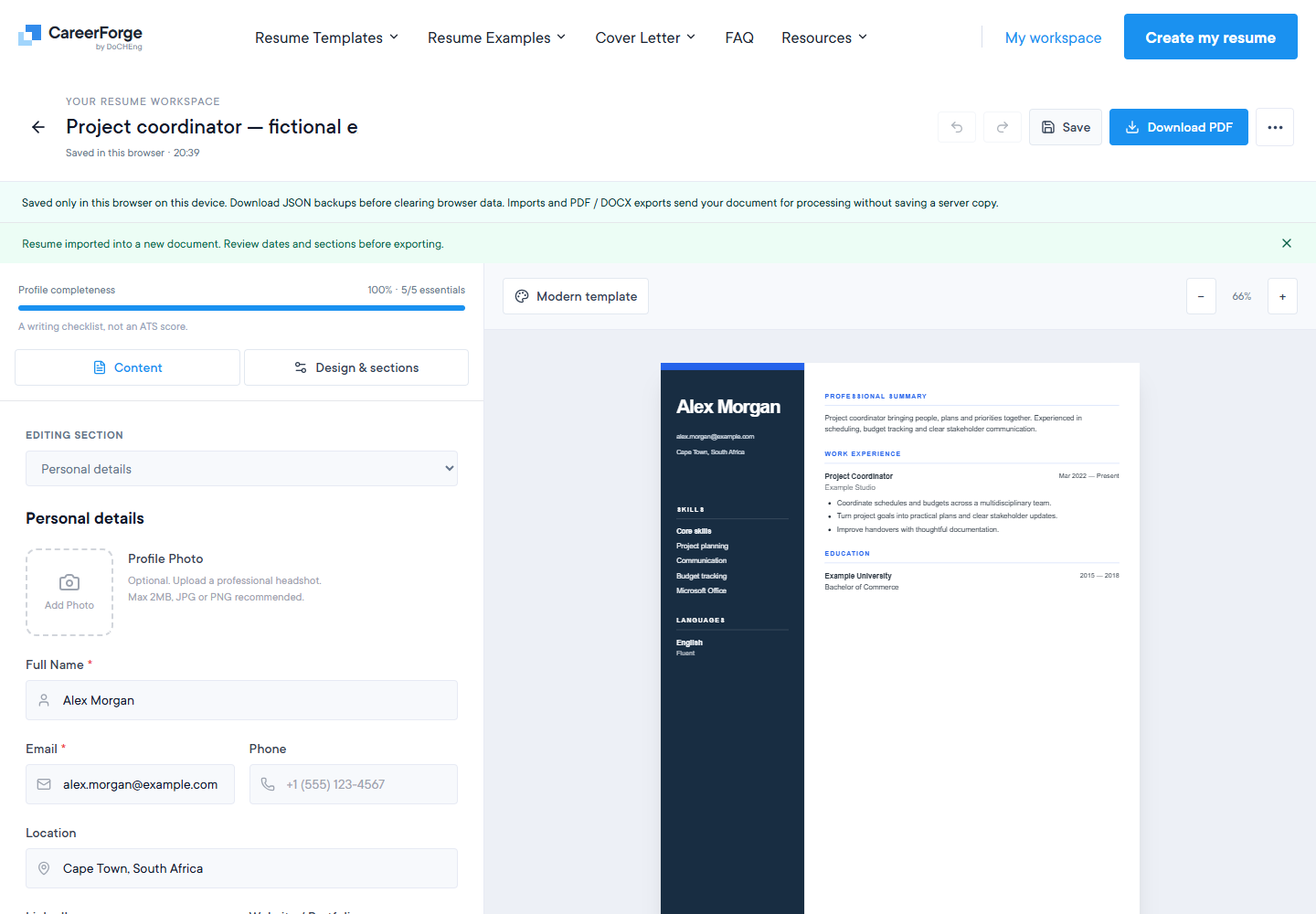
Screenshots captured from resume.docheng.co.za on 21 October 2026. Any example document details are fictional.
More than a résumé builder
CareerForge brings your résumé, cover letters and job search into one browser workspace. Build and tailor documents, check a CV against a job description, track applications, compare pay scenarios, plan your next 90 days and prepare for interviews. Drafts stay on this device; imports, checks and service exports use the document service when requested.
01
Write with a live A4 preview, arrange your sections, add a photo and adjust colours, fonts and spacing. Choose from Modern, Classic, Minimal, Professional, Creative, Elegant, Executive and Technical layouts.
Open the résumé builder →02
Work through your details, the recipient, the opportunity and your letter with guided steps, six letterhead designs and a live preview. Save separate letters for different applications.
Create a cover letter →03
Upload a PDF or DOCX up to 2 MB. Choose Basic, ATS or Expert feedback and add a job description to review relevant terms, structure and writing. Feedback helps you edit; it does not predict hiring decisions.
Try the résumé checker →04
Organize résumés and letters in your browser workspace. Search supported job sources, save opportunities, track application stages and prepare application documents for your own review and submission.
Explore your workspace →05
Create a separate résumé for each role, compare the wording with a job description and keep document snapshots in version history. Compare your own pay scenarios with the salary analyzer.
Explore résumé tailoring →06
Build an editable 90-day career plan with milestones and tasks. Prepare interview answers with Situation, Task, Action and Result prompts, rehearse with a timer and download your notes.
Start a career plan →Pricing and access
The live browser workspace costs R0. Optional cloud-backup plans are in preview; account services and paid checkout are not live. Every plan keeps the same browser career tools.
| Plan | ZAR / 30 days | ZAR / 365 days | USD / 30 days | USD / 365 days | Planned backup slots |
|---|---|---|---|---|---|
| Free | R0 | R0 | $0 | $0 | 1 |
| Plus | R19 | R190 | $1.49 | $14.90 | 10 |
| Pro | R39 | R390 | $2.99 | $29.90 | 50 |
Plus and Pro are planned as one-time 30- or 365-day passes, with no automatic renewal. ZAR and USD are separately set regional prices.
Each planned cloud slot holds one JSON backup up to 1 MiB. Cloud copies would be uploaded explicitly; signing in would not automatically sync browser drafts.
The browser career tools, all eight résumé layouts, cover letters, local document library, job tracker, tailoring, career plans and interview practice are free. You can start without an account or payment card.
Drafts save in this browser on this device. Download editable JSON backups before clearing browser data or moving to another device, then import them to continue. Cloud accounts and automatic cross-device sync are not available in the current live edition.
Import an existing PDF, DOCX or TXT through the document service, or restore a JSON backup in your browser. The editor offers PDF, DOCX, TXT and JSON downloads. Print / Save PDF preserves the live template design; service-generated exports can use a different layout. Imports, checking and service exports depend on document service availability.
Not yet. The prices shown here preview optional cloud-backup plans. Paid passes would add backup capacity for 30 or 365 days with one payment and no automatic renewal. Account services and checkout still need to be published and connected. Your browser career tools remain free.
The application workspace prepares your chosen documents and a review queue for supported employer postings. You review the application on the employer’s site and make the final submission yourself. A job search or prepared application is not a confirmed submission.
Your work, in your hands
Save editable JSON backups and download your finished documents. Keep a separate copy before clearing your browser or changing devices.